Managing a Fleet of VPS and Dedicated Servers with Terraform and Ansible: Expert Guide 2026
TL;DR
- Infrastructure as Code (IaC) is not an option, but a necessity by 2026 for efficient server fleet management.
- Terraform is your primary tool for declarative deployment and lifecycle management of VPS and dedicated servers across various providers.
- Ansible is an indispensable assistant for idempotent configuration, automating software installation, system setup, and post-deployment orchestration.
- The combination of Terraform and Ansible provides a full automation cycle: from infrastructure creation to its complete configuration and maintenance.
- Pay special attention to state management (Terraform State) and inventory (Ansible Inventory) to prevent conflicts and ensure consistency.
- Time savings, error reduction, and scalability are key benefits of implementing these tools, recouping initial investments.
- Security and monitoring must be integrated into the IaC process, not treated as a separate stage.
Introduction
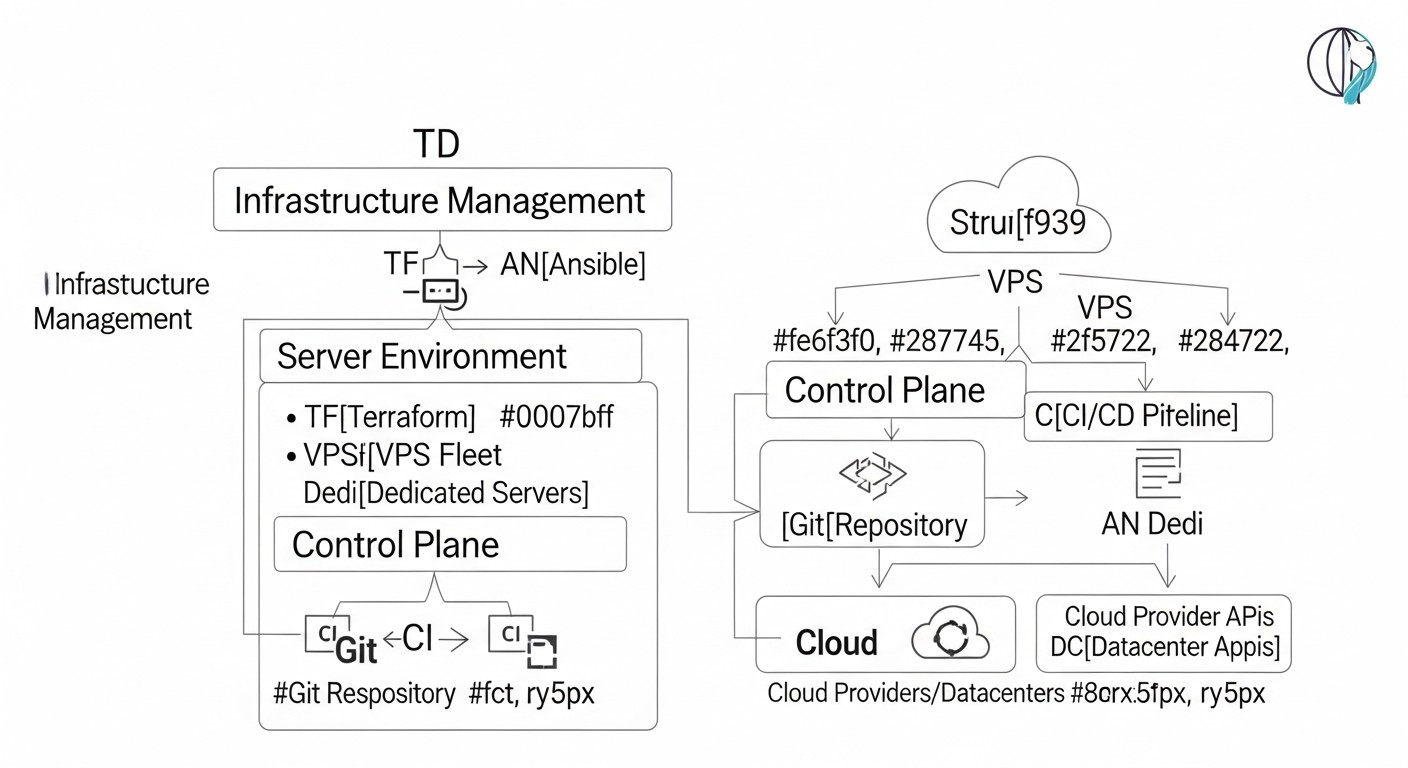 Diagram: Introduction
In the rapidly evolving world of information technology in 2026, where deployment speed, reliability, and scalability are critically important factors for the success of any digital product, manual server infrastructure management is not just an anachronism, but a direct path to disaster. Regardless of whether you manage a small SaaS project on a few VPS or a large distributed backend on dozens of dedicated servers, the need for automation becomes the cornerstone of efficient operation. This guide is intended for DevOps engineers, backend developers, SaaS project founders, system administrators, and startup CTOs who aim to elevate their server infrastructure management to a qualitatively new level using the power of Infrastructure as Code (IaC).
We live in an era where cloud providers offer unprecedented flexibility, and dedicated servers are becoming increasingly accessible and powerful. However, as the number of servers and the complexity of configurations grow, managing them manually turns into a nightmare. Errors caused by human factors, inconsistent environments, slow deployment of new features, and difficulty recovering from failures—all of this reduces competitiveness and increases operational costs. This is where Terraform and Ansible enter the scene—two titans in the world of infrastructure automation.
Terraform, developed by HashiCorp, allows you to declaratively describe the desired state of your infrastructure—be it VPS, dedicated servers, network resources, or load balancers—and automatically deploy it with any provider that supports its plugins. Ansible, on the other hand, is a configuration management tool that allows you to idempotently configure operating systems, install software, manage services, and deploy applications on existing infrastructure.
The combination of these two tools creates a powerful synergistic effect. Terraform takes care of creating and managing the lifecycle of servers, while Ansible handles their provisioning and keeping them up-to-date. Together, they form a comprehensive IaC solution that guarantees repeatability, predictability, and scalability for your infrastructure. In this guide, we will detail how to effectively use Terraform and Ansible to manage a fleet of VPS and dedicated servers, provide practical examples, uncover common mistakes, and share expert recommendations relevant for 2026.
Key Criteria and Factors for IaC Tool Selection
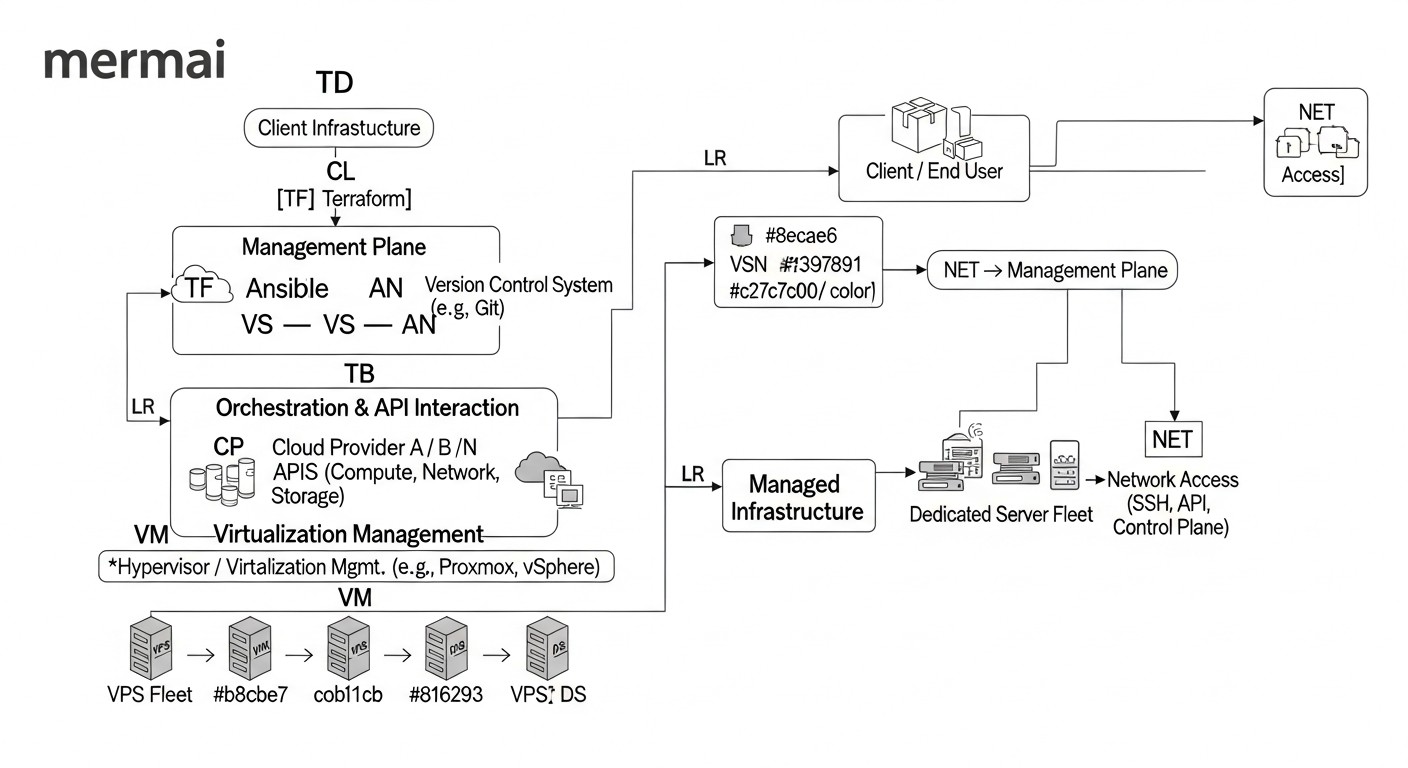 Diagram: Key Criteria and Factors for IaC Tool Selection
Choosing the right tools for infrastructure management is a strategic decision that will affect all aspects of your team's work, from development speed to production reliability. By 2026, the IaC tool market is quite mature, yet new approaches and solutions are constantly emerging. When choosing between different tools or deciding to implement Terraform and Ansible, a number of key criteria must be considered.
1. Provider and Platform Support
Why it's important: Your infrastructure may be distributed across multiple cloud providers (AWS, GCP, Azure, DigitalOcean, Vultr) and/or include dedicated servers in various data centers. The tool must have broad support for these platforms so you can manage your entire infrastructure from a single source.
How to evaluate: Check for official or actively community-supported providers for Terraform or modules for Ansible that meet your current and future needs. Ensure that not only basic server creation/deletion functions are supported, but also more complex aspects such as network settings, storage, load balancers, etc. By 2026, many hosting providers offer their own Terraform providers, which significantly simplifies integration.
2. Idempotence
Why it's important: Idempotence means that applying the same operation multiple times yields the same result as applying it once. This is critically important for automation, as it allows configuration scripts to be run without fear of breaking an already configured system or causing undesirable side effects. Configuration tools must ensure that the system is brought to the desired state, regardless of its current status.
How to evaluate: Terraform is inherently idempotent, as it declaratively describes the desired final state and strives to achieve it. Ansible is also built on the principles of idempotence, where most modules check the current state before making changes. When writing your own playbooks and roles for Ansible, always aim for idempotence by using modules that check for resource existence or configuration state before modification.
3. Declarative vs. Imperative Approach
Why it's important: A declarative approach (like Terraform's) describes what you want to achieve, not how to do it. An imperative approach (more common in Bash scripts or some older tools) describes a sequence of steps. The declarative approach is easier to understand, audit, and maintain in the long run, as it focuses on the desired end state rather than the process of achieving it. However, for more complex logical operations or when a precise sequence of actions is required, an imperative approach might be more suitable.
How to evaluate: Terraform is a prime example of the declarative approach. Ansible, on the other hand, occupies an intermediate position: its playbooks are declarative in describing tasks, but the tasks themselves are executed sequentially, giving it imperative characteristics. For infrastructure management, the declarative approach is preferred; for configuration, the hybrid approach offered by Ansible is suitable.
4. State Management
Why it's important: For declarative IaC tools like Terraform, state management is fundamental. It needs to know the current state of your infrastructure to determine what changes need to be applied to achieve the desired state. Improper state management can lead to data loss, conflicts, or incorrect deployments.
How to evaluate: Terraform uses state files (.tfstate) to track resources. It is crucial to use remote state storage (e.g., S3, Azure Blob Storage, Google Cloud Storage, Terraform Cloud) with locking to prevent simultaneous changes and ensure integrity. Ansible does not have the concept of global infrastructure state in the same way Terraform does, but its inventory is key for tracking target nodes.
5. Security and Secret Management
Why it's important: Infrastructure management inevitably involves access to sensitive data: provider API keys, SSH keys, database passwords, certificates. The tool must provide robust mechanisms for securely storing and using these secrets, minimizing the risk of leakage.
How to evaluate: Terraform integrates with secret management tools such as HashiCorp Vault. Ansible offers Ansible Vault for encrypting sensitive data in playbooks. By 2026, external secret managers (e.g., AWS Secrets Manager, Azure Key Vault, GCP Secret Manager) are also actively used, integrated via providers or modules.
6. Modularity and Code Reusability
Why it's important: As infrastructure complexity grows, you will need the ability to break down configurations into reusable components. Modules, roles, and templates allow you to create abstractions that can be used to deploy similar environments or components, reducing code volume and improving readability.
How to evaluate: Terraform actively uses modules for code organization. Ansible relies on roles for structuring playbooks. Effective modularity allows for rapid deployment of new services or environments, adhering to DRY (Don't Repeat Yourself) principles.
7. Community and Ecosystem
Why it's important: An active community means an abundance of ready-made solutions, templates, providers, and modules, as well as quick support and bug fixes. A large ecosystem accelerates development and simplifies the resolution of emerging issues.
How to evaluate: Terraform and Ansible have some of the largest and most active communities in the IaC and configuration management space. This ensures access to extensive documentation, thousands of ready-made modules and playbooks, and the ability to get help on forums and in chats.
8. CI/CD Integration
Why it's important: Automating infrastructure deployment and configuration should be part of your overall CI/CD pipeline. This allows you to automatically test infrastructure changes, apply them across different environments (dev, staging, prod), and roll back in case of issues.
How to evaluate: Both tools integrate perfectly with popular CI/CD systems such as GitLab CI/CD, GitHub Actions, Jenkins. Automating the execution of terraform plan/apply and ansible-playbook within the pipeline is standard practice.
Comparative Table: Terraform vs. Ansible in Fleet Management (2026)
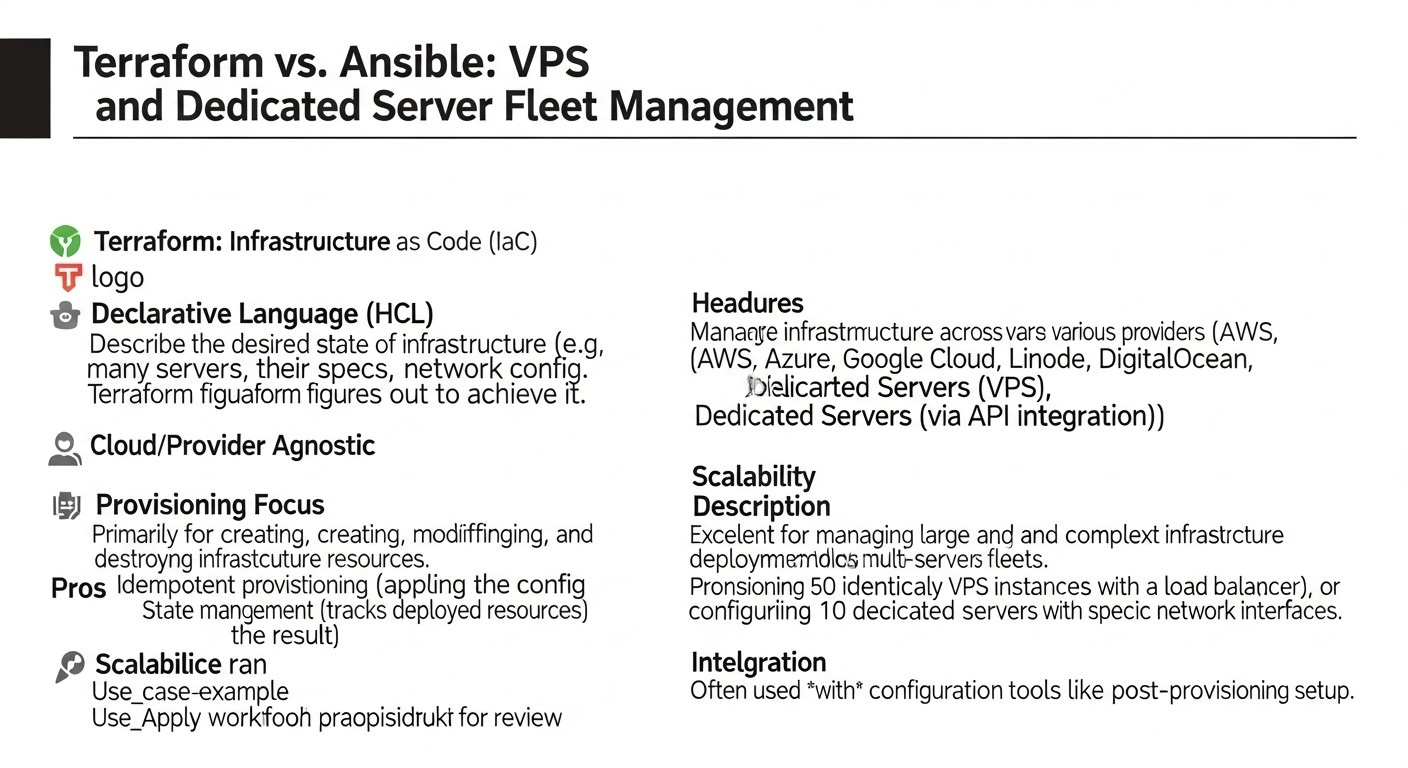 Diagram: Comparative Table: Terraform vs. Ansible in Fleet Management (2026)
This table provides a comparative analysis of key aspects of Terraform and Ansible as applied to managing a fleet of VPS and dedicated servers in the context of current requirements and capabilities for 2026.
| Criterion |
Terraform (IaC Orchestrator) |
Ansible (Configuration Manager) |
Typical Use Case |
2026 Features |
Learning Curve |
Cost Example (optional) |
Main Advantages |
Main Disadvantages |
| Primary Purpose |
Provisioning and infrastructure lifecycle management (IaaS, PaaS). Creation, modification, deletion of servers, networks, storage. |
Configuration, orchestration, software deployment on existing infrastructure. |
Creating 10 VPS on DigitalOcean, then configuring them. |
Extended support for Serverless, Edge Computing, AI infrastructure. |
Medium (HCL) |
Free (Open Source), Terraform Cloud (Tiered Pricing, from $20/month for teams). |
Multi-cloud, declarative, state management, modularity. |
Does not directly manage OS configuration, requires external tools. |
| Approach |
Declarative (description of desired state). |
Declarative (task description), but with imperative elements (execution sequence). |
Describe that all servers should have Nginx and PostgreSQL. |
More intelligent modules with self-correction and predictive behavior. |
Low (YAML) |
Free (Open Source), Ansible Automation Platform (from $10000/year for enterprise). |
Agentless, simplicity, idempotence, extensive module library. |
Does not manage infrastructure creation, dependent on SSH/WinRM. |
| State Management |
Maintains a state file (.tfstate), reflecting the actual infrastructure state. Critically important for operation. |
Does not have a centralized state file. Idempotence is achieved by checking the current state of the node. |
Ensuring Terraform knows which VPS it created. |
Improved integration with external KV stores for dynamic state. |
High (requires careful management) |
Included in the cost of the provider or cloud storage. |
Accurate resource tracking, ability to plan changes. |
Difficulties with manual changes, risk of conflicts without remote state/locks. |
| Operating Mechanism |
API calls to cloud providers or hypervisors. |
Connection via SSH (Linux) or WinRM (Windows) to target nodes. |
Terraform creates VPS, Ansible connects to them via SSH. |
More advanced agents for hybrid clouds. |
Medium (API concepts) |
Depends on the cost of API calls (usually negligible). |
Direct interaction with providers, does not require agents on target nodes. |
Requires valid API keys and access rights. |
| Modularity and Reusability |
Terraform modules for reusable infrastructure blocks. |
Ansible roles for structuring and reusing configurations. |
Create a "Web Server" module for Terraform and an "Nginx" role for Ansible. |
AI-generated modules/roles based on requirements. |
High (for complex modules) |
Free. |
Repeatability, code reduction, standardization. |
Can lead to excessive abstraction if not well-thought-out. |
| Secret Management |
Integration with Vault, external Secret Managers. |
Ansible Vault for encrypting sensitive data. |
Store DB API key in Vault, use it in Ansible. |
Seamless integration with Hardware Security Modules (HSM) and Zero-Trust networks. |
Medium |
Included in the cost of Vault or Secret Managers. |
Reliable encryption, centralized management. |
Requires additional tools or skills. |
| Applicability for VPS/Dedicated Servers |
Ideal for creating, changing type, adding disks, deleting servers. |
Ideal for OS installation, network configuration, software installation, application deployment. |
Creating 5 servers, then installing Docker and Kubernetes on them. |
Automation of Bare-metal server deployment, including BIOS firmware. |
High |
Cost of servers. |
Full control over infrastructure lifecycle. |
Cannot configure OS until the server is created. |
| Current Prices (2026) |
DigitalOcean Droplet (8GB RAM, 4vCPU, 160GB SSD) from $48/month. Vultr Cloud Compute (8GB RAM, 4vCPU, 160GB SSD) from $45/month. Dedicated server (32GB RAM, 8-core CPU, 2x1TB SSD) from $150/month. |
N/A (tool cost) |
N/A |
Reduced resource prices due to optimization and competition, increased offerings for energy-efficient cores. |
N/A |
N/A |
N/A |
N/A |
Detailed Overview: Terraform and Ansible for Server Management
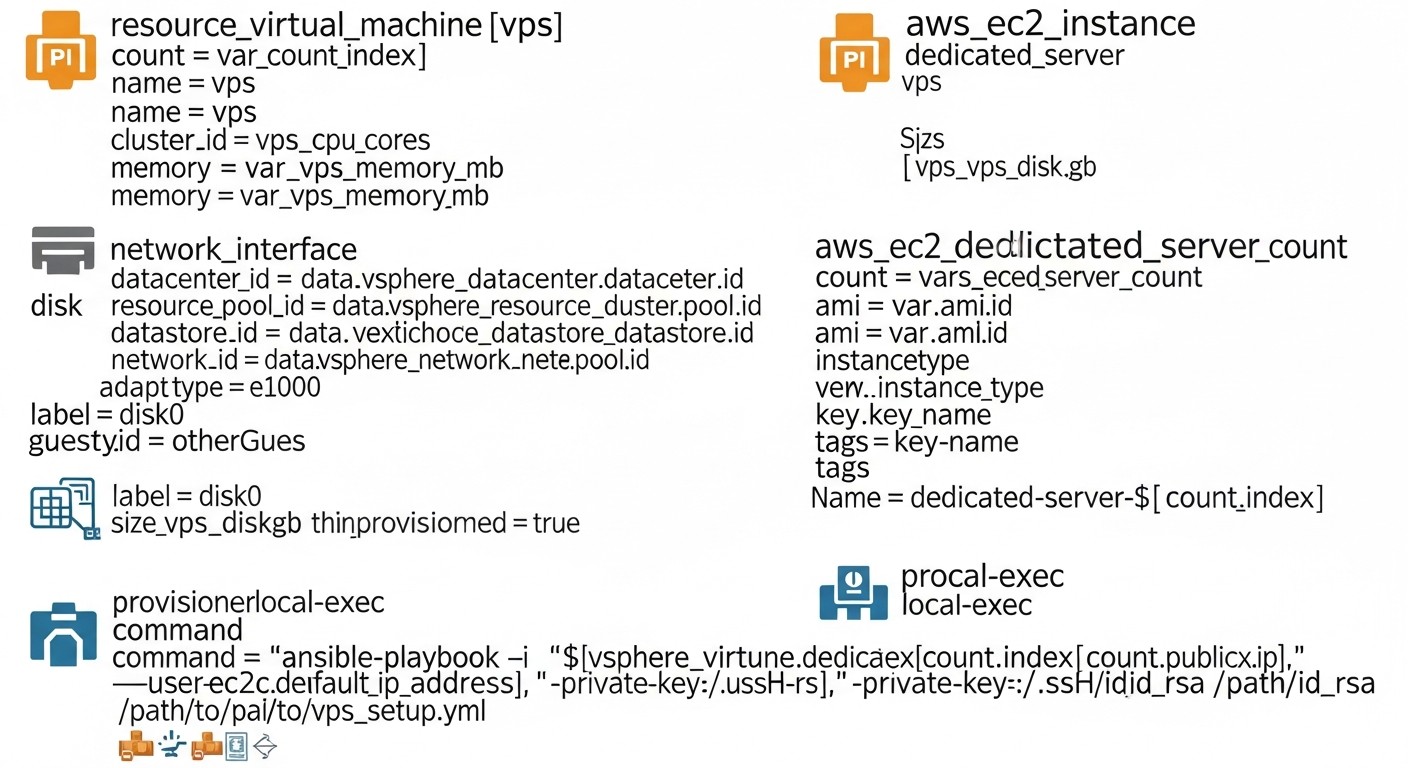 Diagram: Detailed Overview: Terraform and Ansible for Server Management
For effective server fleet management in 2026, it's not enough to simply know about Terraform and Ansible. A deep understanding of their architecture, operating principles, and best practices for use, especially in tandem, is essential.
Terraform: Declarative Infrastructure Management
Terraform is an Infrastructure as Code tool, developed by HashiCorp, that allows you to declaratively describe and manage your infrastructure using the HashiCorp Configuration Language (HCL). It operates on the "desired state" principle, meaning you describe the final state of your infrastructure, and Terraform itself determines what actions need to be taken to achieve that state.
Terraform Operating Principles:
- Declarative: You describe what you want, not how to do it. For example, you specify that you need a VPS with 4 GB RAM and 2 vCPU, and Terraform interacts with the provider's API to create it.
- Providers: Terraform interacts with various cloud and on-premises platforms through providers. By 2026, thousands of providers exist for all conceivable platforms: from AWS, Azure, GCP to DigitalOcean, Vultr, Hetzner, as well as for Kubernetes, Docker, DNS servers, and even for some hardware solutions.
- Resources: Every infrastructure element (server, network, disk, IP address) in Terraform is called a resource. You define resources in HCL files.
- Modules: For code reuse and organization, Terraform provides modules. A module is a container for multiple resources that can be called repeatedly with different input parameters. This allows for the creation of standardized infrastructure blocks, such as a "web server module" or a "database module".
- State: Terraform maintains a state file (by default
terraform.tfstate), which is a map of your real infrastructure. This file is critically important, as Terraform uses it to compare the current state with the desired state and determine necessary changes. For team collaboration, using a remote backend for state storage (e.g., S3, Azure Blob Storage, Terraform Cloud) is mandatory.
Pros of Terraform for Fleet Management:
- Multi-cloud: A single tool for managing infrastructure across different providers.
- Declarative and Idempotent: Predictable results and the ability to apply multiple times without side effects.
- Change Planning: The
terraform plan command allows you to see what changes will be applied before they are executed.
- Modularity: Simplifies code reuse and standardization.
- Dependency Management: Terraform automatically determines dependencies between resources and creates them in the correct order.
Cons of Terraform:
- Does not manage OS configuration: Terraform creates servers but does not configure their internal content (software installation, users, configuration files). Ansible is needed for this.
- Complexity of state management: With an incorrect approach (without a remote backend and locks), the state file can become a source of problems.
- Steep learning curve for beginners: Although HCL is simple, understanding IaC concepts and state management takes time.
Who Terraform is suitable for:
For everyone involved in infrastructure management, especially DevOps engineers and system administrators who need to create, scale, and maintain server resources in various cloud or hybrid environments. Also indispensable for startups aiming for fast and repeatable deployments.
Ansible: Idempotent Configuration Management and Orchestration
Ansible is an easy-to-use, agentless IT automation tool that can perform configuration management, application deployment, orchestration, and many other IT tasks. It is written in Python and uses SSH to connect to managed nodes, without requiring an agent to be installed on target servers.
Ansible Operating Principles:
- Agentless: Ansible does not require any agent to be installed on target machines. It uses standard protocols such as SSH for Linux/Unix and WinRM for Windows.
- Playbooks: The primary way to work with Ansible is by writing playbooks in YAML format. A playbook describes a set of tasks that should be executed on specific groups of servers.
- Modules: Ansible comes with a huge number of built-in modules that perform specific tasks (e.g.,
apt for package management, copy for copying files, service for service management). These modules are idempotent.
- Inventory: Ansible uses an inventory (usually a
hosts file in INI or YAML format) to define which servers (hosts) it should manage and how to connect to them. The inventory can be static or dynamic (generated by scripts).
- Roles: For organizing and reusing playbooks, Ansible offers the concept of roles. A role is a standardized directory structure containing playbooks, variables, templates, and files for a specific function (e.g., "web server role", "database role").
Pros of Ansible for Fleet Management:
- Simplicity and low barrier to entry: YAML syntax is easy to read and write. The absence of agents simplifies deployment.
- Idempotence: Most Ansible modules are designed to be idempotent, ensuring predictable results.
- Flexibility: Can be used for a wide range of tasks, from package installation to complex orchestration.
- Extensive module library: Thousands of ready-to-use modules for various tasks and platforms.
- Secret Management: Ansible Vault allows encrypting sensitive data directly in playbooks.
Cons of Ansible:
- Dependency on SSH/WinRM: Requires open ports and proper authentication on target nodes.
- Does not manage infrastructure: Cannot create or delete VPS/dedicated servers independently (although there are modules for interacting with cloud APIs, this is not its primary task).
- Performance: For very large fleets (hundreds or thousands of servers), it can be slower than agent-based solutions, as each SSH connection takes time.
Who Ansible is suitable for:
Ideal for DevOps engineers, system administrators, and backend developers who need to automate server setup, application deployment, service management, and orchestration in an existing or Terraform-created infrastructure. Excellent for maintaining configuration consistency across a large fleet of servers.
Synchronicity: Terraform + Ansible
The most powerful approach to server fleet management is their joint use. Terraform creates and manages the lifecycle of servers, while Ansible configures them. This tandem provides a complete IaC cycle:
- Terraform: Defines and deploys VPS or dedicated servers, including their network settings, firewalls, and other infrastructure components.
- Terraform (Output): After successful infrastructure creation, Terraform can output the IP addresses of the created servers, SSH keys, or other necessary information.
- Ansible (Dynamic Inventory): Ansible can use these Terraform outputs to automatically create a dynamic inventory. This allows Ansible to know exactly which servers to connect to and which playbooks to apply.
- Ansible: Connects to the created servers and executes playbooks to install the operating system, configure users, install Docker, Kubernetes, databases, web servers, and deploy applications.
This integration allows for maximum automation, repeatability, and reliability, minimizing manual operations and human errors.
Practical Tips and Recommendations for Implementation
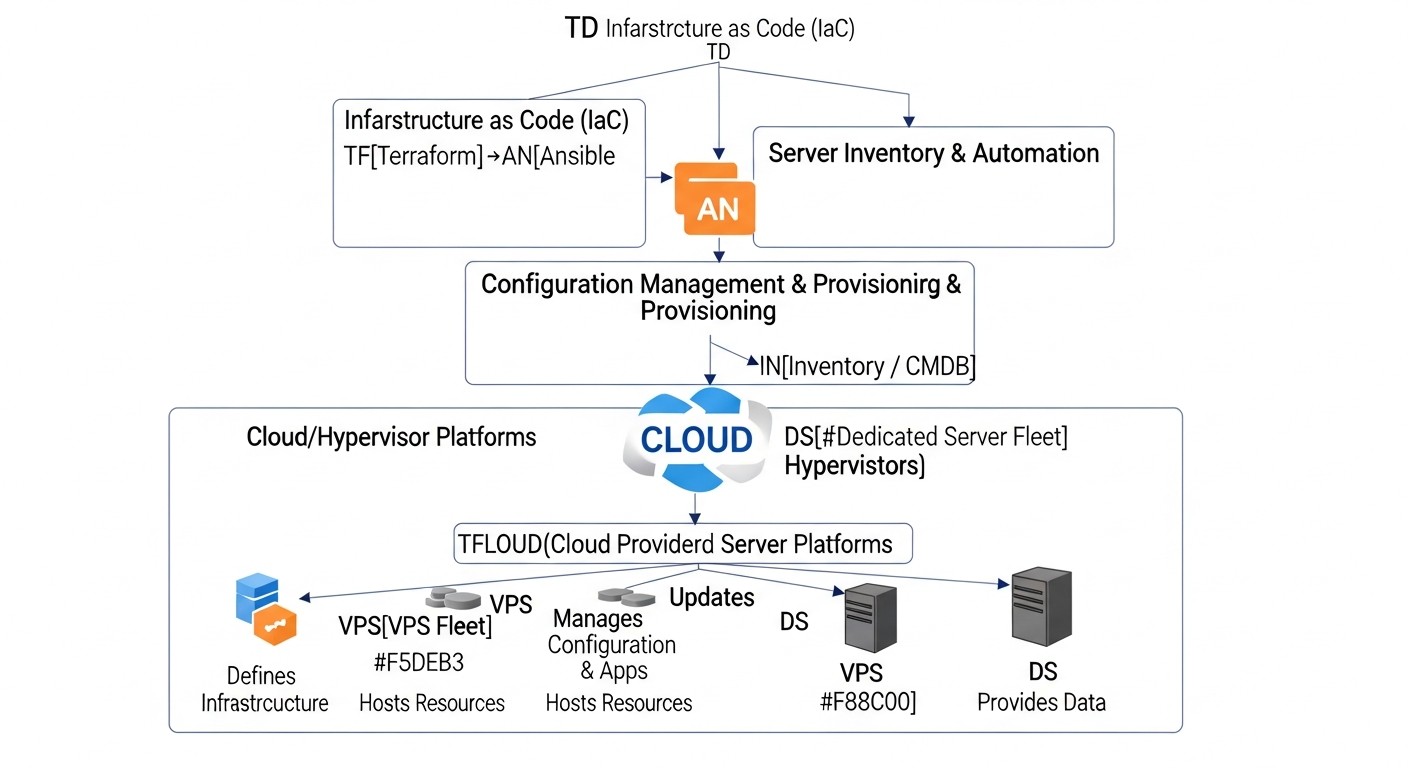 Diagram: Practical Tips and Recommendations for Implementation
Implementing Terraform and Ansible into existing processes or building new ones from scratch requires not only technical knowledge but also an understanding of best practices. Here are some key recommendations based on many years of experience.
1. IaC Repository Structure: Monorepo or Polyrepo?
Recommendation: For most medium and large projects, a monorepository (monorepo) or a hybrid approach is preferable.
Monorepo: All Terraform and Ansible code is stored in a single repository.
- Pros: Simplifies dependency management, shared modules/roles, atomic changes (a single change affects both infrastructure and configuration).
- Cons: Can become cumbersome, slows down CI/CD for large teams.
Polyrepo: Separate repositories for Terraform code and Ansible code, or even for individual services/environments.
- Pros: Clear separation of responsibilities, smaller repository sizes, parallel development.
- Cons: Difficulties with managing dependencies between repositories, synchronization of shared components.
Practical Tip 2026: Start with a monorepo for IaC. If the team grows to dozens of engineers and issues arise with CI/CD performance or conflicts, consider transitioning to a hybrid approach where shared modules/roles are moved to separate repositories, but core configurations remain in the monorepo.
2. Terraform State Management
Crucially important: Always use remote state storage with locking.
Examples of remote backends:
- AWS S3 + DynamoDB: S3 for state storage, DynamoDB for locking.
- Azure Blob Storage: Built-in locking support.
- Google Cloud Storage: Built-in locking support.
- Terraform Cloud/Enterprise: A cloud service from HashiCorp with centralized management of state, variables, secrets, and CI/CD.
# Пример конфигурации S3 бэкенда для Terraform
terraform {
  backend "s3" {
    bucket         = "my-terraform-state-bucket-2026"
    key            = "prod/vps-fleet/terraform.tfstate"
    region         = "eu-central-1"
    encrypt        = true
    dynamodb_table = "terraform-lock-table-2026"
  }
}
Tip: Separate state by environment (dev, staging, prod) and by component (e.g., prod/network.tfstate, prod/app-servers.tfstate). This reduces the scope of potential errors and speeds up operations.
3. Dynamic Ansible Inventory
Recommendation: Do not maintain static inventory manually. Use Terraform output to generate dynamic Ansible inventory.
How it works:
- Terraform creates servers and outputs their IP addresses, hostnames, and other metadata.
- A script (Python, Bash) or a special Ansible plugin reads this Terraform output.
- The script generates Ansible inventory in JSON or YAML format, grouping servers by roles or other criteria.
Example Terraform output:
output "web_server_ips" {
  value = [for server in digitalocean_droplet.web_servers : server.ipv4_address]
}

output "db_server_ips" {
  value = [for server in digitalocean_droplet.db_servers : server.ipv4_address]
}
Example script for dynamic inventory (Python, simplified):
# dynamic_inventory.py
import json
import subprocess

def get_terraform_output():
    result = subprocess.run(['terraform', 'output', '-json'], capture_output=True, text=True, check=True)
    return json.loads(result.stdout)

def generate_ansible_inventory(tf_output):
    inventory = {
        "_meta": {
            "hostvars": {}
        },
        "all": {
            "hosts": []
        }
    }

    if "web_server_ips" in tf_output and tf_output["web_server_ips"]["value"]:
        inventory["web_servers"] = {"hosts": tf_output["web_server_ips"]["value"]}
        inventory["all"]["hosts"].extend(tf_output["web_server_ips"]["value"])

    if "db_server_ips" in tf_output and tf_output["db_server_ips"]["value"]:
        inventory["db_servers"] = {"hosts": tf_output["db_server_ips"]["value"]}
        inventory["all"]["hosts"].extend(tf_output["db_server_ips"]["value"])

    # Добавляем hostvars, если нужно
    for host_ip in inventory["all"]["hosts"]:
        inventory["_meta"]["hostvars"][host_ip] = {
            "ansible_user": "root",
            "ansible_ssh_private_key_file": "~/.ssh/id_rsa_terraform"
        }

    return json.dumps(inventory, indent=4)

if __name__ == "__main__":
    tf_output = get_terraform_output()
    print(generate_ansible_inventory(tf_output))
Execution: ansible-playbook -i dynamic_inventory.py playbook.yml
4. Secret Management: Terraform and Ansible Vault
Recommendation: Never store secrets in plain text in the repository. Use specialized tools.
- For provider API keys (Terraform): Use environment variables (e.g.,
TF_VAR_do_token) or services like HashiCorp Vault.
- For SSH keys (Ansible): Use an SSH agent or explicitly specify the path to the private key (but do not store it in the repository).
- For sensitive data in Ansible (DB passwords, application API keys): Use Ansible Vault.
# Создание зашифрованного файла с секретами для Ansible
ansible-vault create group_vars/all/vault.yml

# Редактирование зашифрованного файла
ansible-vault edit group_vars/all/vault.yml

# Пример содержимого vault.yml
# db_password: !vault |
#   $ANSIBLE_VAULT;1.1;AES256
#   6366623631313264353438313437346132333834373539383633633939316138623735303964343130316434
#   ...
Tip: Integrate HashiCorp Vault with Terraform for centralized management of all secrets. Terraform can retrieve secrets from Vault and pass them as variables to Ansible.
5. Using CI/CD for IaC
Recommendation: Automate the application of infrastructure changes through CI/CD pipelines.
- Terraform Pipeline:
terraform initterraform validateterraform plan (save plan as artifact)- Manual approval (optional)
terraform apply "tfplan"
- Ansible Pipeline:
ansible-lint (style and error checking)ansible-playbook -i dynamic_inventory.py playbook.yml --check (dry run)- Manual approval (optional)
ansible-playbook -i dynamic_inventory.py playbook.yml
Example stage in GitLab CI/CD for Terraform:
# .gitlab-ci.yml
stages:
  - validate
  - plan
  - apply

terraform_validate:
  stage: validate
  image: registry.gitlab.com/gitlab-org/terraform-images/stable:latest
  script:
    - terraform init
    - terraform validate

terraform_plan:
  stage: plan
  image: registry.gitlab.com/gitlab-org/terraform-images/stable:latest
  script:
    - terraform init
    - terraform plan -out "tfplan"
  artifacts:
    paths:
      - tfplan

terraform_apply:
  stage: apply
  image: registry.gitlab.com/gitlab-org/terraform-images/stable:latest
  script:
    - terraform init
    - terraform apply "tfplan"
  when: manual # Manual approval for production
  only:
    - master
6. Testing IaC Code
Recommendation: Test your Terraform and Ansible code just as you test application code.
- Terratest (Terraform): A framework for writing automated tests for infrastructure deployed with Terraform.
- Ansible Lint: For checking syntax, style, and potential errors in playbooks.
- Molecule (Ansible): A framework for testing Ansible roles on various Linux distributions.
# Пример запуска Ansible Lint
ansible-lint my_playbook.yml
# Пример запуска Molecule для тестирования роли
cd roles/my_web_role
molecule test
7. Using cloud-init for Initial Setup
Recommendation: For the fastest possible initial setup of newly created VPS, use cloud-init. Terraform can pass cloud-init scripts as user_data when creating a server.
Advantages:
- Installing an SSH key for Ansible.
- Updating packages.
- Installing basic utilities (
git, htop).
- Creating a primary user.
This allows Ansible to connect to a server that already has a basic configuration and necessary SSH access.
resource "digitalocean_droplet" "web_server" {
  # ... другие параметры ...
  user_data = <<-EOF
    #cloud-config
    users:
      - name: ansible_user
        groups: sudo
        shell: /bin/bash
        ssh_authorized_keys:
          - ${file("~/.ssh/id_rsa.pub")}
    runcmd:
      - apt update
      - apt upgrade -y
      - apt install -y git htop curl
  EOF
}
Common Mistakes When Working with Terraform and Ansible
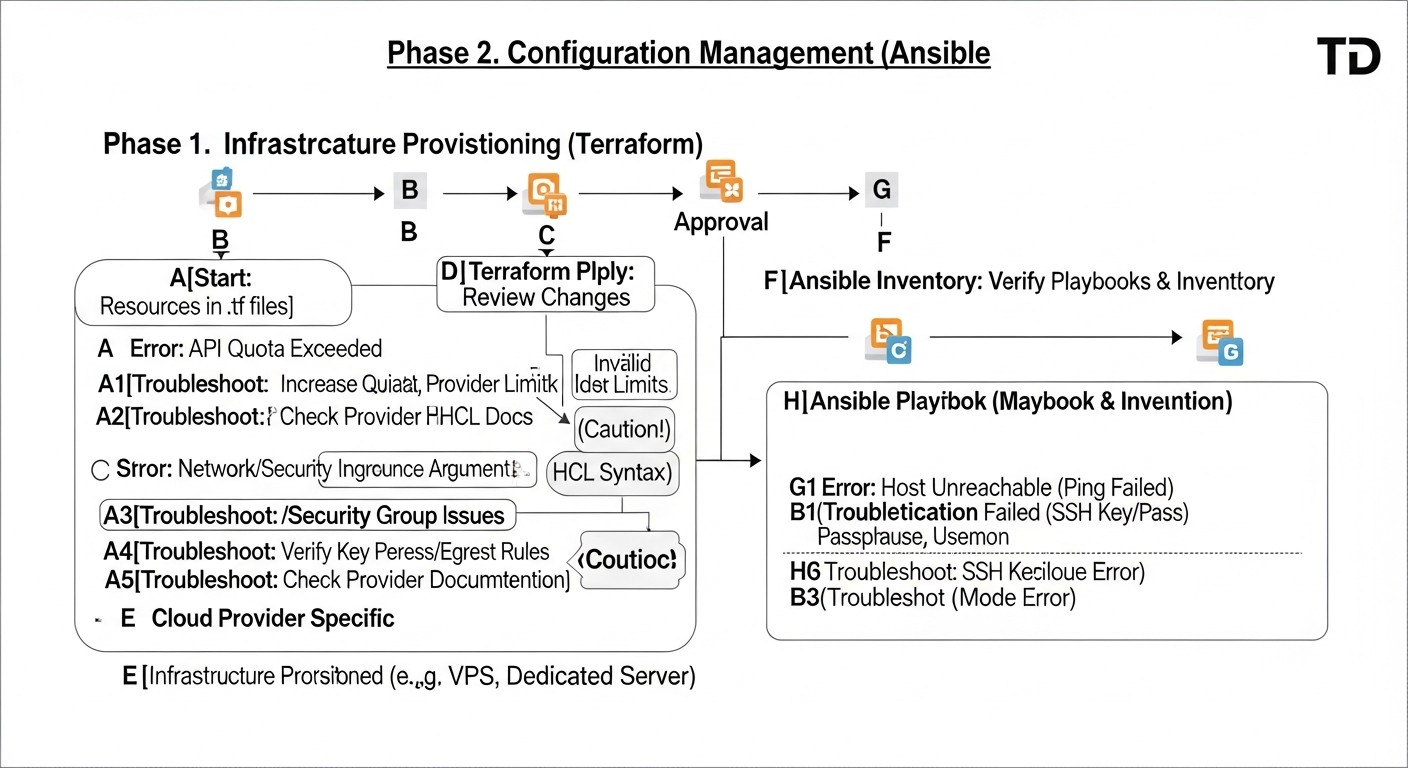 Diagram: Common Mistakes When Working with Terraform and Ansible
Even experienced engineers can make mistakes when working with IaC tools. Knowing the most common problems and how to prevent them will significantly save time and effort.
1. Absence of Terraform Remote State or Its Incorrect Use
Mistake: Storing the file .tfstate locally, without locks, or using the same state file for different environments/teams.
Consequences:
- State Loss: If the local state file is lost, Terraform will lose information about your infrastructure.
- Conflicts: When
terraform apply is run simultaneously by different engineers or CI/CD pipelines, conflicts may arise, leading to incorrect modification or deletion of resources.
- Inconsistency: Different engineers may have different versions of the state, leading to unpredictable results.
How to Avoid: Always use a remote backend (S3, Azure Blob Storage, GCS, Terraform Cloud) with mandatory state locking. Separate state files by environment (dev, staging, prod) and, possibly, by logical components (network, compute, database).
2. Manual Infrastructure Changes "on top of" Terraform
Mistake: Modifying resources (VPS, network rules, disks) manually through the provider's console, rather than through Terraform.
Consequences:
- State Drift: The actual state of the infrastructure diverges from what is described in
.tfstate. During the next terraform apply, Terraform will attempt to "roll back" manual changes or apply unexpected actions.
- Loss of Changes: Manual changes may be overwritten during the next Terraform application.
- Audit Difficulty: It's impossible to track who made changes and when.
How to Avoid: All infrastructure changes must go through Terraform. If an urgent manual change is necessary, document it and reflect it in the Terraform code as soon as possible, using terraform import or by manually updating the configuration.
3. Lack of Idempotence in Ansible Playbooks
Mistake: Writing playbooks that do not check the current system state before making changes. For example, executing apt install nginx without checking if Nginx is already installed.
Consequences:
- Errors: Repeated execution of non-idempotent tasks can lead to errors (e.g., attempting to create a user that already exists).
- Slowdown: Unnecessary operations waste time.
- Unpredictability: The outcome of a playbook execution may depend on the initial state of the server.
How to Avoid: Always use Ansible modules that are inherently idempotent (e.g., apt, yum, service, user, file). When writing your own scripts or using command/shell modules, always add when or creates/removes conditions to check the state before execution.
# BAD: not idempotent
- name: Install Nginx (bad example)
  command: apt install nginx -y

# GOOD: idempotent, Ansible module checks itself
- name: Ensure Nginx is installed
  ansible.builtin.apt:
    name: nginx
    state: present
    update_cache: yes
4. Lack of Secret Management
Mistake: Storing sensitive data (passwords, API keys, SSH keys) in plain text in a repository or unencrypted files.
Consequences:
- Data Leak: Compromising the repository or file system leads to the leakage of all secrets.
- Security Breach: Attackers can gain access to your infrastructure.
- Non-compliance: Violation of security and compliance requirements (GDPR, PCI DSS).
How to Avoid: Use Ansible Vault to encrypt data in playbooks. For Terraform, use environment variables, HashiCorp Vault, or cloud secret managers (AWS Secrets Manager, Azure Key Vault, GCP Secret Manager). Never commit secrets to Git.
5. Overly Broad Access Rights for API Keys
Mistake: Using provider API keys with full administrative privileges for Terraform or Ansible.
Consequences:
- Scale of Damage: In case of key compromise, an attacker gains full control over your infrastructure.
- Risk of Accidental Deletion: An error in Terraform code can lead to the unintentional deletion of the entire infrastructure.
How to Avoid: Apply the Principle of Least Privilege. Create separate API keys or IAM roles for Terraform and Ansible with the minimum necessary access rights. For example, Terraform needs rights to create/modify/delete specific resource types, while Ansible only needs rights to read metadata (for dynamic inventory) and SSH access to servers.
6. Lack of IaC Code Testing
Mistake: Deploying infrastructure or configuration changes without prior testing.
Consequences:
- Production Failures: Untested changes can lead to the breakdown of critical services.
- Rollback Difficulties: Rolling back infrastructure changes can be complex and risky.
- Low Quality: The infrastructure becomes unstable and unreliable.
How to Avoid: Implement testing for your IaC code. Use terraform validate, terraform plan, ansible-lint, ansible-playbook --check, as well as frameworks like Terratest and Molecule. Deploy changes first in test/staging environments before applying them to production.
7. Mixing Infrastructure Code and Application Code
Mistake: Attempting to deploy an application and configure infrastructure within the same Terraform module or Ansible playbook without clear separation.
Consequences:
- Complexity: The code becomes difficult to read, maintain, and test.
- Low Reusability: Modules/playbooks become specific to a single application.
- Separation of Concerns: Different teams may find it difficult to work with such code.
How to Avoid: Clearly separate responsibilities: Terraform for infrastructure, Ansible for basic OS configuration and software installation, CI/CD for application code deployment. Use Terraform modules and Ansible roles for abstraction and reusability. For example, Terraform creates a VPS and installs Docker, while Ansible deploys Docker containers with the application.
Checklist for Practical Application
This checklist will help you structure the process of implementing and using Terraform and Ansible for managing a fleet of servers, ensuring consistency and completeness of steps.
- Define the target infrastructure:
- What types of servers (VPS, dedicated) do you need?
- Which providers will they be hosted with?
- What network resources (VPC, firewalls, load balancers) are required?
- Set up the Terraform environment:
- Install Terraform CLI (current version 1.6+ as of 2026).
- Create a Git repository for your IaC code (e.g.,
infrastructure-as-code).
- Initialize a remote backend for Terraform state (S3, Azure Blob, GCS, Terraform Cloud) with locking.
- Obtain and configure API keys for your providers (use environment variables or Vault, do not commit to Git).
- Develop Terraform code for the infrastructure:
- Define providers and their configuration.
- Create resources for VPS/dedicated servers (e.g.,
digitalocean_droplet, aws_instance).
- Configure network rules (firewalls, security groups) for server access (SSH, HTTP/S).
- Use modules to repeat standard server configurations.
- Define Terraform output data (
output): IP addresses, hostnames, SSH keys, necessary for Ansible.
- Prepare basic server configuration via
cloud-init (if applicable):
- Embed scripts into
user_data of Terraform resources for:
- Installing your public SSH key for the Ansible user.
- Updating OS packages.
- Installing basic utilities (
git, curl, htop).
- Set up the Ansible environment:
- Install Ansible (current version 2.15+ as of 2026).
- Create a main directory for playbooks and roles.
- Create a private SSH key that Ansible will use to connect to servers (and add its public part to
cloud-init or Terraform).
- Configure
ansible.cfg for common parameters (e.g., path to private key, user).
- Develop Ansible code for configuration:
- Create a dynamic inventory (script) that will read Terraform output data.
- Develop Ansible roles for different server types (e.g.,
web_server_role, db_server_role).
- In roles, define tasks for:
- Installing necessary software (Nginx, PostgreSQL, Docker, Redis).
- Configuring OS-level firewalls (
ufw, firewalld).
- Managing services (start, stop, restart).
- Copying configuration files (use Jinja2 templates).
- Creating users and groups.
- Use Ansible Vault to encrypt sensitive data.
- Integrate into CI/CD pipeline:
- Create a pipeline for Terraform:
init -> validate -> plan -> apply.
- Create a pipeline for Ansible:
lint -> check -> apply.
- Ensure the transfer of Terraform output data to the Ansible pipeline (e.g., via artifacts or S3).
- Configure manual approval for
apply stages in production.
- Implement IaC code testing:
- Use
ansible-lint and ansible-playbook --check.
- Consider
Molecule for testing Ansible roles.
- Consider
Terratest for integration testing of Terraform code.
- Monitoring and Logging:
- Configure monitoring for server and application status (Prometheus, Grafana, Zabbix).
- Centralize logs from servers (ELK Stack, Loki).
- Ensure that Terraform and Ansible log their actions for auditing.
- Develop an update and maintenance strategy:
- Regularly update Terraform and Ansible to current versions.
- Plan and automate OS and software updates on servers using Ansible.
- Develop a process for "configuration drift" (when manual changes do not match IaC).
Cost Calculation / IaC Economics
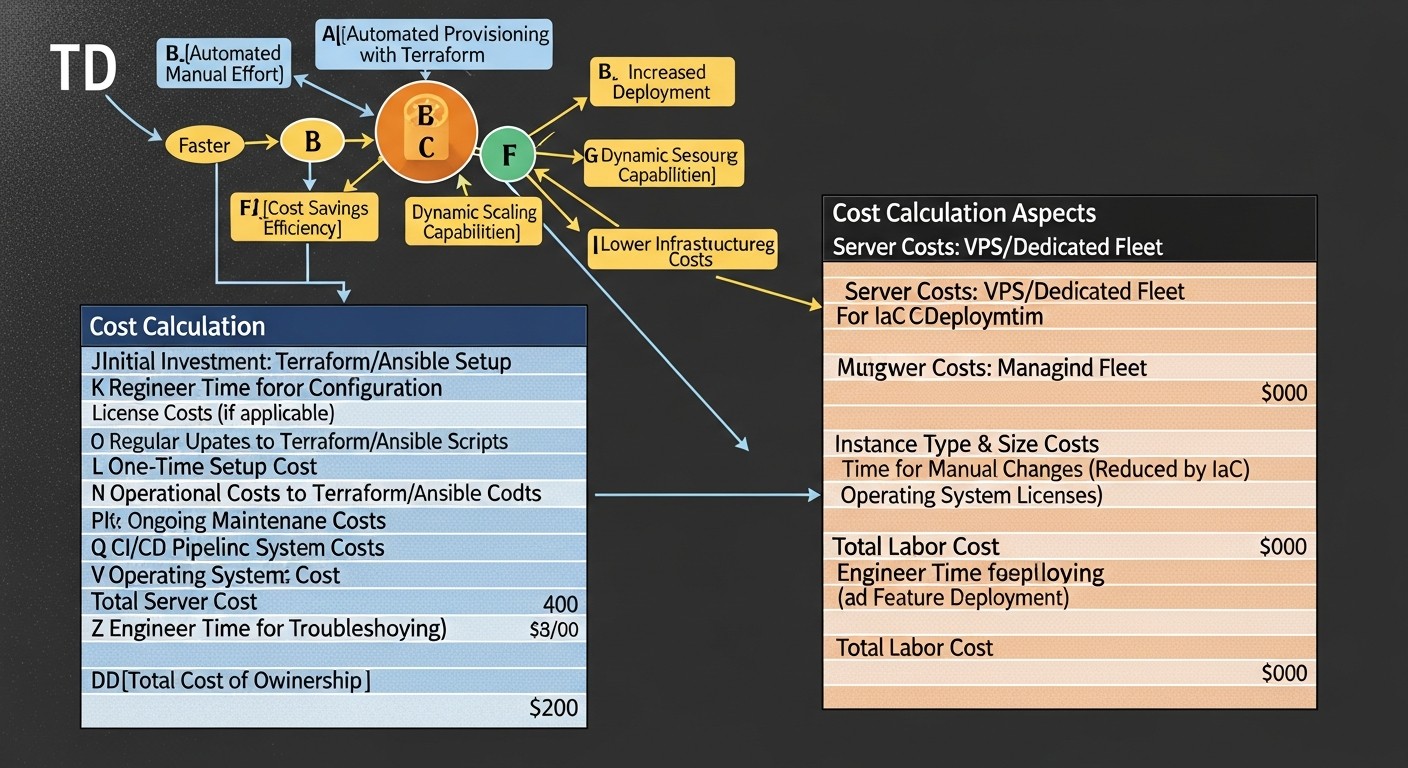 Diagram: Cost Calculation / IaC Economics
Implementing Infrastructure as Code with Terraform and Ansible is not just a technical solution, but also a strategic investment that directly impacts project economics. By 2026, as competition in the SaaS and digital services market peaks, optimizing costs and resources becomes critically important.
1. Direct Tool Costs
Terraform and Ansible themselves are open source and free to use. However, there are paid versions and associated services:
- Terraform Cloud/Enterprise: Offers additional features such as centralized state management, Sentinel (policy as code), private module registries, VCS integrations, and improved team management. Prices range from free tiers for small teams to enterprise solutions costing tens of thousands of dollars per year. For most startups and medium-sized projects, the free version of Terraform Cloud or self-hosting state on S3/GCS/Azure Blob is sufficient.
- Ansible Automation Platform (Red Hat): Commercial version of Ansible with extended capabilities: Ansible Tower/AWX (web interface, RBAC, API), Ansible Engine, Ansible Network, Ansible Security. Costs start from $10,000-$20,000 per year for enterprise clients. For most tasks, free AWX or direct use of Ansible CLI is sufficient.
- Cloud services for state storage: S3, Azure Blob Storage, GCS — the cost of state storage and read/write operations is usually negligible (from a few cents to a few dollars per month).
2. Indirect Costs and Hidden Expenses
- Training time: Engineers must master HCL, YAML, IaC principles, and best practices. This is an investment in personnel that quickly pays off.
- Code development and maintenance: Writing Terraform modules, Ansible roles, dynamic inventory scripts, CI/CD pipelines. This code requires testing, refactoring, and maintenance.
- CI/CD infrastructure: Hosting for GitLab CI/CD, GitHub Actions, Jenkins. These can be paid cloud services or self-hosted servers.
- Monitoring and logging tools: Prometheus, Grafana, ELK Stack, Loki — require deployment and maintenance.
- Secret management: HashiCorp Vault, cloud Secret Managers — may have their own hosting and licensing costs.
3. Savings and ROI (Return on Investment)
Key benefits of IaC that lead to savings:
- Reduced deployment time: New environments or servers are deployed in minutes, not hours or days. This accelerates time-to-market for new products and features.
- Reduced errors: Automation eliminates human error, which leads to configuration mistakes. Fewer errors mean less downtime and less time spent on troubleshooting.
- Improved scalability: Easy horizontal scaling of infrastructure to handle peak loads or business expansion.
- Optimized resource utilization: Ability to quickly create and delete resources on demand, avoiding "zombie servers" and overpayments. Automatic shutdown of dev/staging environments during non-working hours.
- Improved security: Standardized and auditable configurations, automatic application of security patches.
- Faster disaster recovery: Ability to quickly recreate infrastructure in case of a disaster.
- Reduced operational costs: Less manual labor, more time for engineers to focus on strategic tasks rather than routine.
Calculation Examples for Different Scenarios (2026)
Let's assume we have a startup with a team of 3 engineers managing a fleet of 20 VPS on DigitalOcean and 2 dedicated servers for the database and cache.
Scenario 1: Manual Management (Baseline)
- Engineer's salary: $50/hour (2026, average rate for an experienced engineer in Russia/CIS).
- Time to deploy a new service (manual): 8 hours (server creation, OS installation, configuration, deployment).
- Deployment frequency: 4 times per month.
- Time to fix errors (manual): 4 hours/month.
- Time for manual updates/patches: 6 hours/month.
- Downtime losses: Let's assume 1 hour of downtime per month costs $200.
Monthly costs: (8 4 + 4 + 6) $50/hour + $200 = (32 + 4 + 6) $50 + $200 = 42 $50 + $200 = $2100 + $200 = $2300
Scenario 2: With Terraform + Ansible (Post-Implementation)
- Time to deploy a new service (automated): 1 hour (including pipeline execution and verification).
- Deployment frequency: 4 times per month.
- Time to fix errors (automated): 1 hour/month (considering fewer errors).
- Time for automatic updates/patches: 1 hour/month (only for monitoring and running Ansible).
- Downtime losses: Let's assume 0.2 hours of downtime per month costs $40.
- IaC tools/services costs: $50/month (Terraform Cloud Team, S3/GCS).
Monthly costs: (1 4 + 1 + 1) $50/hour + $40 + $50 = (4 + 1 + 1) $50 + $40 + $50 = 6 $50 + $40 + $50 = $300 + $40 + $50 = $390
Monthly savings: $2300 - $390 = $1910
Annual savings: $1910 12 = $22920
This is a highly simplified calculation that does not account for the initial investment in IaC code development (which can amount to several weeks/months of engineer work), but it clearly demonstrates the potential for operational cost savings. ROI from IaC implementation is typically achieved within the first 6-12 months.
Table with Calculation Examples for Different Scenarios
| Parameter |
Manual Management (10 servers) |
Terraform + Ansible (10 servers) |
Terraform + Ansible (50 servers) |
| Number of servers |
10 |
10 |
50 |
| Monthly engineer hours (deployment) |
40 h. ($2000) |
5 h. ($250) |
8 h. ($400) |
| Monthly engineer hours (maintenance/patches) |
20 h. ($1000) |
3 h. ($150) |
5 h. ($250) |
| Monthly engineer hours (error resolution) |
10 h. ($500) |
2 h. ($100) |
3 h. ($150) |
| Downtime losses (estimated) |
$500 |
$100 |
$200 |
| IaC tools/services costs |
$0 |
$50 |
$150 |
| Total monthly costs |
$4000 |
$650 |
$1150 |
| Savings compared to manual |
- |
$3350 |
$2850 (for 50 servers!) |
Note: Engineer's salary $50/hour, downtime losses $200/hour. Calculations are estimates and serve to demonstrate the principle.
As can be seen from the table, scaling with IaC yields exponentially greater savings, as automation costs grow significantly slower than manual management costs with an increasing server fleet.
Use Cases and Examples
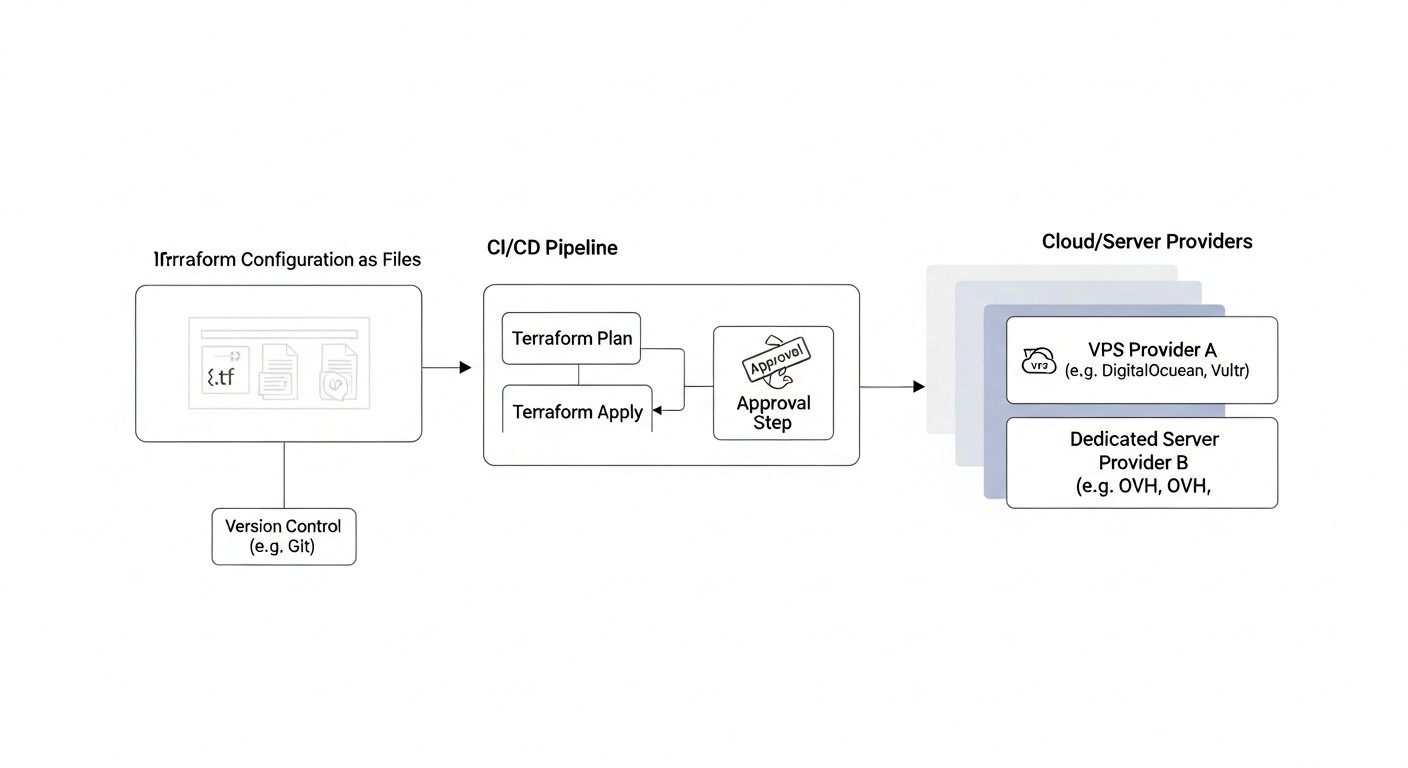 Diagram: Use Cases and Examples
To better understand how Terraform and Ansible work together, let's consider several realistic scenarios that modern IT teams will face in 2026.
Case 1: Deploying a New Microservice Backend on VPS Hosting
Problem: Startup X is developing a new microservice that requires rapid deployment in a separate environment (e.g., for performance testing or for a new client). It is necessary to create 3 VPS, configure Docker on them, deploy Nginx as a reverse proxy, and run 2 Docker containers with microservices and a PostgreSQL database.
Solution with Terraform and Ansible:
-
Terraform: Infrastructure Provisioning.
Result: In a matter of minutes, a fully configured and ready-to-use microservices environment, deployed according to the Infrastructure as Code principle. If scaling is needed, simply change the count in Terraform and run the pipeline.
Case 2: Maintaining the Configuration of a Dedicated Database Server
Problem: A critical PostgreSQL database runs on a dedicated server. It is necessary to regularly apply security patches, update PostgreSQL to minor versions, monitor its state, and ensure backups. Manual operations are risky and not repeatable.
Solution with Terraform and Ansible:
-
Terraform: Lifecycle Management (optional).
- Task: If the dedicated server is manageable via API (e.g., through a provider like Hetzner Cloud Dedicated or OVHcloud), Terraform can be responsible for its initial deployment, network settings, and disk additions. If it's a "bare metal" server, purchased and installed manually, Terraform is used to manage DNS records, load balancers in front of it, etc.
- Example: Terraform creates a DNS record
db.example.com pointing to the dedicated server's IP address.
-
Ansible: Configuration and Maintenance Automation.
- Task:
- Weekly OS updates application.
- Monthly PostgreSQL updates.
- Installation of a monitoring agent (Prometheus Node Exporter).
- Configuration of Cron jobs for daily database backups.
- Management of PostgreSQL configuration files (
postgresql.conf, pg_hba.conf).
- Alerts for critical events.
- Inventory: Static inventory for a single dedicated server or dynamic if managed by Terraform.
# inventory/production
[db_servers]
db-prod.example.com ansible_host=XXX.XXX.XXX.XXX ansible_user=ansible_user
- Ansible Playbook:
# db_maintenance_playbook.yml
- name: Database Server Maintenance
  hosts: db_servers
  become: yes
  roles:
    - os_updates          # Обновление пакетов ОС
    - postgresql_config   # Управление конфигурацией PostgreSQL
    - postgresql_backup   # Настройка бэкапов через Cron
    - prometheus_exporter # Установка Node Exporter для мониторинга
    - security_hardening  # Применение базовых настроек безопасности
Result: The database server is always in an up-to-date and secure state, with automated backups and monitoring. Routine tasks are performed predictably and idempotently. If another identical server needs to be deployed, the process will be fully automated.
Case 3: Changing Provider for Part of the Fleet
Problem: A company decided to migrate some of its web servers from Vultr to Hetzner due to better pricing and performance in 2026. Manually migrating 10+ servers is time-consuming, expensive, and prone to errors.
Solution with Terraform and Ansible:
-
Terraform: Infrastructure Migration.
- Task: Create similar VPS on Hetzner, migrate DNS records.
- Process:
- In the Terraform code, resources for Hetzner (
hetzner_cloud_server) are added with similar parameters, but without applying them yet.
- In the Terraform code, output data is modified to include the new Hetzner IP addresses.
- Gradually, one by one or in groups, new servers are created on Hetzner using
terraform apply.
- After successful configuration and data migration, DNS records are updated via Terraform to switch traffic to the new servers.
- Old servers on Vultr are deleted using
terraform destroy for the corresponding resources.
-
Ansible: Configuration of New Servers and Data Migration.
- Task: Apply the same configuration as on the old Vultr servers to the new Hetzner servers. Optionally, perform data migration (e.g., file synchronization).
- Dynamic Inventory: Automatically updated with the IP addresses of the new Hetzner servers.
- Ansible Playbook:
# migrate_playbook.yml
- name: Configure new Hetzner web servers
  hosts: hetzner_web_servers # Новая группа из динамического инвентаря
  become: yes
  roles:
    - base_config
    - web_server_config # Установка Nginx, PHP-FPM, Certbot
    - app_deployment    # Развертывание кода приложения (pull из Git)
    - data_sync         # Опционально: синхронизация файлов с Vultr-серверов
Result: A smooth, controlled infrastructure migration between providers with minimal downtime, using existing and proven IaC codes. This significantly reduces risks and accelerates the migration process.
Troubleshooting: Solving Common Problems
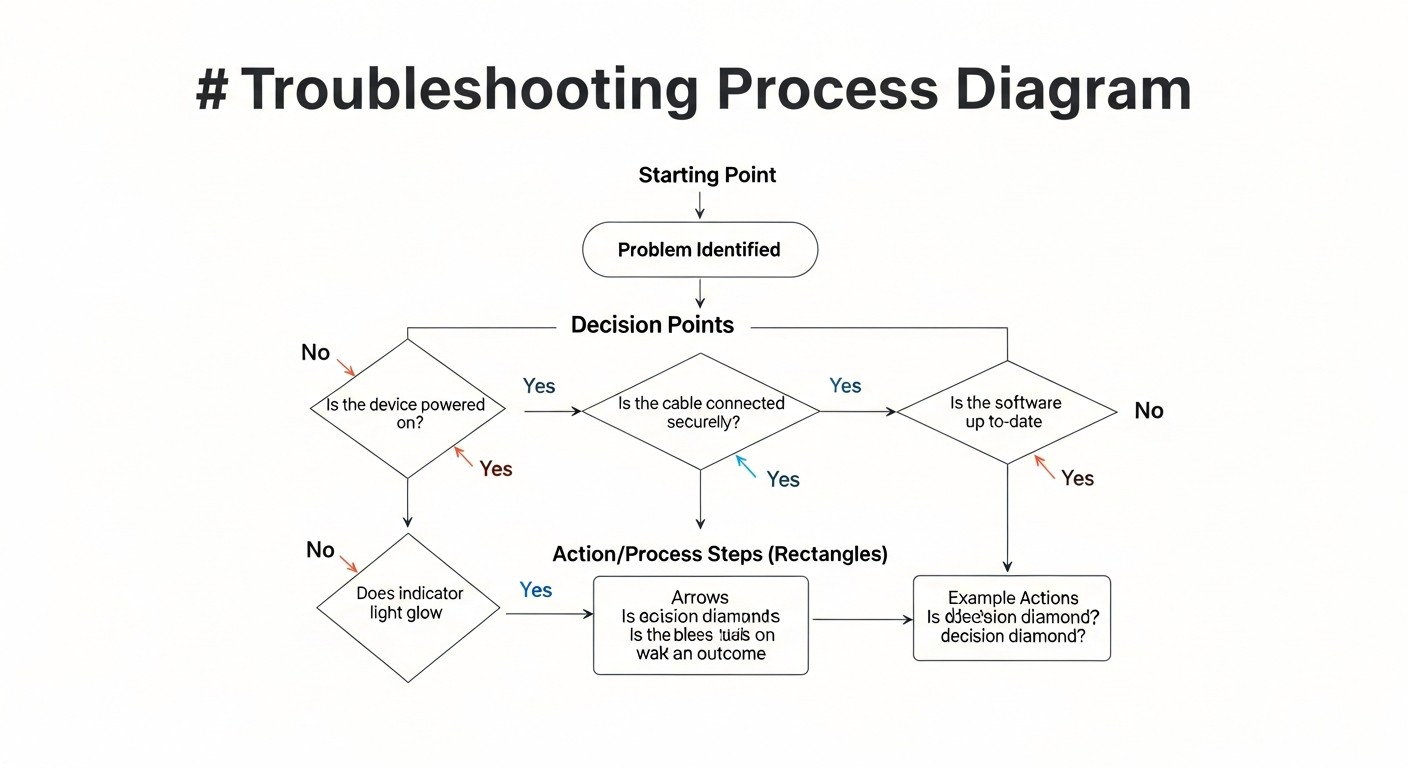 Diagram: Troubleshooting: Solving Common Problems
Working with Infrastructure as Code doesn't always go smoothly. Here's a list of common problems you might encounter when using Terraform and Ansible, along with their solutions.
1. Terraform Issues
1.1. "Error acquiring state lock"
Description: Terraform cannot acquire a state lock because someone else (or another CI/CD pipeline) is already performing an operation, or a previous operation terminated incorrectly, leaving the lock in place.
Solution:
- Ensure there are no other active Terraform operations.
- If the lock remains due to a failure, it can be forcibly removed using
terraform force-unlock <LOCK_ID>. Be extremely careful with this command; use it only when you are certain no other operations are running, otherwise, it could lead to state corruption.
- Check the remote backend logs (e.g., DynamoDB for S3) for lock information.
1.2. State Drift
Description: The actual infrastructure differs from what is described in the Terraform state file (.tfstate) and in the HCL code. This happens due to manual changes.
Solution:
- Run
terraform plan to see the discrepancies.
- If manual changes should be preserved, update your HCL code to match the current state. Then run
terraform apply.
- If manual changes are undesirable,
terraform apply will attempt to revert them to the desired state described in the code.
- To import existing resources into the Terraform state, use
terraform import.
- To detect drift, you can configure regular checks (e.g., weekly
terraform plan) in your CI/CD pipeline.
1.3. Provider Authentication Errors
Description: Terraform cannot authenticate with the cloud provider.
Solution:
- Verify the correctness of the API keys, tokens, or credentials you are using (environment variables, configuration files, Vault).
- Ensure your IAM user/role has sufficient permissions to perform the requested operations.
- Check the region if it is specified in the provider configuration.
2. Ansible Issues
2.1. "Host unreachable" Error / SSH Connection Issues
Description: Ansible cannot connect to the target server via SSH.
Solution:
- Check IP Address: Ensure the IP address in the inventory is correct and the server is reachable over the network (
ping <IP>).
- SSH Availability: Verify that the SSH server is running on the target host and port 22 is open (
ssh <user>@<IP>).
- SSH Keys: Ensure that the private SSH key used by Ansible matches the public key on the server. Check permissions on the private key (
chmod 600 <key_file>).
- User: Ensure that
ansible_user in the inventory or playbook exists on the target server and has SSH access rights.
- Firewall: Check firewalls on the provider (Terraform firewalls) and on the server itself (
ufw, firewalld).
2.2. "Failed to become root" Error / Sudo Issues
Description: Ansible cannot execute tasks requiring elevated privileges (become: yes).
Solution:
- Ensure that the
ansible_user has rights to execute sudo without a password prompt (NOPASSWD configured in /etc/sudoers).
- If
NOPASSWD is not configured, use --ask-become-pass (-K) when running ansible-playbook to enter the sudo password.
- Verify that the
sudo package is installed on the target server.
2.3. Non-Idempotent Playbook Behavior
Description: Rerunning a playbook leads to errors or undesirable changes.
Solution:
- Use Modules: Prefer built-in Ansible modules over
command or shell, as they are typically idempotent.
when Conditions: Use conditional statements when to execute tasks only under specific conditions (e.g., when: result.rc != 0).creates/removes: For command/shell tasks, use creates (a file that should be created) or removes (a file that should be removed) so the task runs only when necessary.- Dry Run: Always run playbooks with
--check (or -C) before actual application to see what changes will be made.
2.4. Issues with Variables and Jinja2 Templates
Description: Ansible cannot find variables or Jinja2 templates are rendered incorrectly.
Solution:
- Check Paths: Ensure that variables are defined in the correct location (
group_vars, host_vars, vars in the playbook/role).
- Variable Precedence: Remember the order of Ansible variable precedence. Variables from
host_vars have higher precedence than those from group_vars.
- Jinja2 Syntax: Check the syntax of your templates (
{{ var_name }} for variables, {% for item in list %} for loops).
- Debugging: Use the
debug module to output variable values: - debug: var=my_variable.
3. General Issues
3.1. Differences Between Environments (Dev/Staging/Prod)
Description: Infrastructure or configuration differs between various environments, leading to "works on my machine, but not in production."
Solution:
- IaC for All Environments: Use Terraform and Ansible to manage all environments.
- Parameterization: Use variables for differences between environments (e.g.,
var.env in Terraform, group_vars/dev, group_vars/prod in Ansible).
- CI/CD: Automate deployment to each environment via a CI/CD pipeline.
- Testing: Implement automated testing in each environment.
3.2. Slow Operation Execution
Description: Terraform apply or Ansible playbook takes too long.
Solution:
- Terraform:
- Split the state into smaller parts (workspaces, separate state files).
- Optimize provider API calls (sometimes updating the provider helps).
- Ansible:
- Use
forks in ansible.cfg for parallel task execution on multiple hosts.
- Enable pipelining in
ansible.cfg (pipelining = True) to reduce the number of SSH connections.
- Use
gather_facts: no if you don't need Ansible facts.
- Optimize playbooks, avoid long-running
command/shell tasks.
- Use
delegate_to or run_once for tasks that only need to be executed once.
When to Contact Support:
- If you encounter API errors that you cannot resolve yourself, and they are not related to your configuration or access rights, contact your cloud provider's support.
- If the problem is related to Terraform or Ansible itself (e.g., a bug in a module or provider), look for a solution in the project's GitHub repositories or consult the community.
- For commercial versions (Terraform Enterprise, Ansible Automation Platform), you have direct support from HashiCorp or Red Hat.
FAQ: Frequently Asked Questions
What is Infrastructure as Code (IaC) and why is it important?
Infrastructure as Code (IaC) is an approach to managing infrastructure (servers, networks, storage) using configuration files, rather than manual processes or interactive tools. These configuration files are stored in a version control system (e.g., Git) and can be versioned, tested, and deployed similarly to application code. The importance of IaC by 2026 lies in its ability to provide automation, repeatability, scalability, error reduction, and accelerated deployment, which is critical for the competitiveness and reliability of IT systems.
What is the main difference between Terraform and Ansible?
The main difference lies in their purpose and approach. Terraform is a tool for infrastructure provisioning. It declaratively describes what you want to achieve (e.g., 5 VPS, 1 load balancer) and manages their lifecycle through provider APIs. Ansible is a configuration management and orchestration tool. It idempotently describes how to configure already existing infrastructure (e.g., install Nginx, create a user, deploy an application) by connecting to servers via SSH.
Can I use Terraform without Ansible, or vice versa?
Yes, you can, but it will be less efficient. Terraform can perform initial setup via user_data (cloud-init), but it is not designed for complex and lengthy configurations. Ansible can manage the configuration of servers created manually or with other tools, but it cannot create infrastructure itself. The greatest synergy is achieved when they are used together: Terraform for creating and managing servers, Ansible for configuring and deploying applications on them.
Is it safe to store API keys in Terraform code?
Absolutely not. Never store sensitive data such as API keys, tokens, or passwords directly in Terraform code or in a version control system. Instead, use environment variables (e.g., TF_VAR_my_token), variable files ignored by Git (.tfvars), or, preferably for production, specialized secret managers like HashiCorp Vault or cloud services (AWS Secrets Manager, Azure Key Vault, GCP Secret Manager).
How to manage secrets in Ansible?
In Ansible, Ansible Vault is used for secret management. It allows encrypting files or individual variables in playbooks and roles using symmetric encryption. A Vault password is required for decryption. This password can be passed via an environment variable, a file, or interactively. This ensures that confidential data is not stored in plain text in the Git repository.
What is idempotence and why is it important for automation?
Idempotence is a property of an operation meaning that applying it multiple times yields the same result as applying it once. In the context of automation, this is extremely important as it allows scripts and playbooks to be run multiple times without the risk of breaking the system or creating undesirable side effects. Idempotence ensures that the system will be brought to the desired state, regardless of its initial status, which is critical for reliability and repeatability.
How to ensure Terraform does not accidentally delete my production servers?
To protect against accidental deletion of production servers, use several approaches:
- State Separation: Separate state files for dev, staging, and prod.
- CI/CD with Manual Approval: Configure the pipeline so that
terraform apply for production requires manual approval.
- Policies as Code (Sentinel): Use Terraform Cloud/Enterprise with Sentinel to define policies that prohibit the deletion of certain resources or require approval.
prevent_destroy = true: Use the lifecycle meta-argument in Terraform for critical resources.- IAM Permissions: Use the principle of least privilege for API keys to limit deletion capabilities.
What is Ansible Dynamic Inventory and why is it needed?
Ansible Dynamic Inventory is an inventory that is generated by a script or plugin "on the fly" each time Ansible runs, instead of being a static file. It is needed for automatic discovery and grouping of servers, especially in dynamic environments (clouds, IaC infrastructure). For example, after Terraform creates new VPS instances, a dynamic inventory script can automatically retrieve their IP addresses and add them to the Ansible inventory, eliminating the need for manual updates.
How to test Terraform and Ansible code?
For Terraform, use:
terraform validate to check syntax.terraform plan to preview upcoming changes.tflint for static analysis.Terratest for integration testing that deploys real infrastructure.
For Ansible, use:
ansible-lint for syntax and style checking.ansible-playbook --check for a dry run.Molecule for testing roles in isolated environments.
What resources will help me master Terraform and Ansible?
Start with the official documentation for Terraform (terraform.io/docs) and Ansible (docs.ansible.com). HashiCorp Learn (learn.hashicorp.com) offers excellent interactive tutorials. For ready-made solutions and inspiration, use the Terraform Registry (registry.terraform.io) and Ansible Galaxy (galaxy.ansible.com). YouTube channels and blogs by DevOps engineers also contain a wealth of useful information and real-world case studies.
Conclusion
By 2026, managing a fleet of VPS and dedicated servers without Infrastructure as Code (IaC) is not just inefficient, it's dangerous for business. Manual operations lead to errors, delays, inconsistencies, and ultimately, a loss of competitiveness. Terraform and Ansible, used in tandem, represent a powerful combination of tools capable of fully automating your infrastructure's lifecycle: from creating and scaling servers to their detailed configuration, application deployment, and ongoing maintenance.
We have explored how Terraform declaratively manages resources with providers, ensuring flexibility and multi-cloud capabilities, and how Ansible idempotently configures these resources, guaranteeing predictability and repeatability. Key aspects such as Terraform state management, Ansible dynamic inventory, secure secret handling, and deep integration with CI/CD are cornerstones of successful implementation of these technologies.
Implementing these tools requires initial investments in time and training, but as our calculations show, the return on investment (ROI) is achieved very quickly through significant savings in operational costs, reduced deployment time, minimized errors, and increased overall reliability and scalability of your IT infrastructure. Real-world use cases demonstrate the practical applicability and flexibility of these solutions for a wide variety of tasks.
Next steps for the reader:
- Start Small: Don't try to automate everything at once. Choose a small, non-critical project or environment (e.g., a dev sandbox) and start there.
- Learn the Basics: Go through the official Terraform and Ansible tutorials. Experiment with simple playbooks and configurations.
- Implement Git: Ensure all your IaC code is stored in a version control system.
- Use Remote State: For Terraform, this is non-negotiable. Immediately set up a remote backend with locking.
- Practice Testing: Start with
terraform plan and ansible-playbook --check, then delve into tflint, ansible-lint, and Molecule.
- Integrate into CI/CD: Once you've mastered the basics, start automating Terraform and Ansible runs in your CI/CD pipeline.
The IT world is constantly changing, but the principles of automation and Infrastructure as Code remain constant. Mastering Terraform and Ansible will not only significantly simplify your work but also make you a more valuable specialist in the 2026 job market. Good luck on your journey into the world of infrastructure automation!